
1. Go to the upper right corner, and click on the school code and school year to expand the fields.
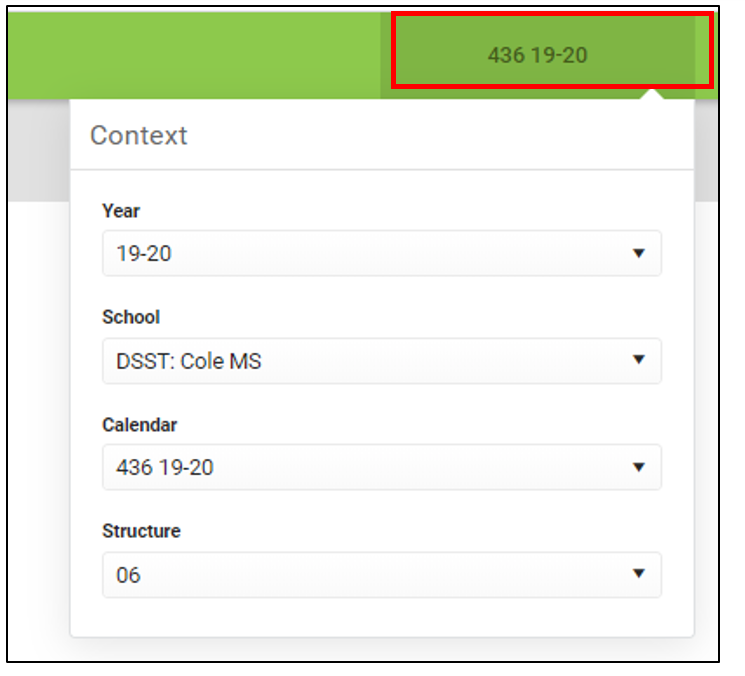
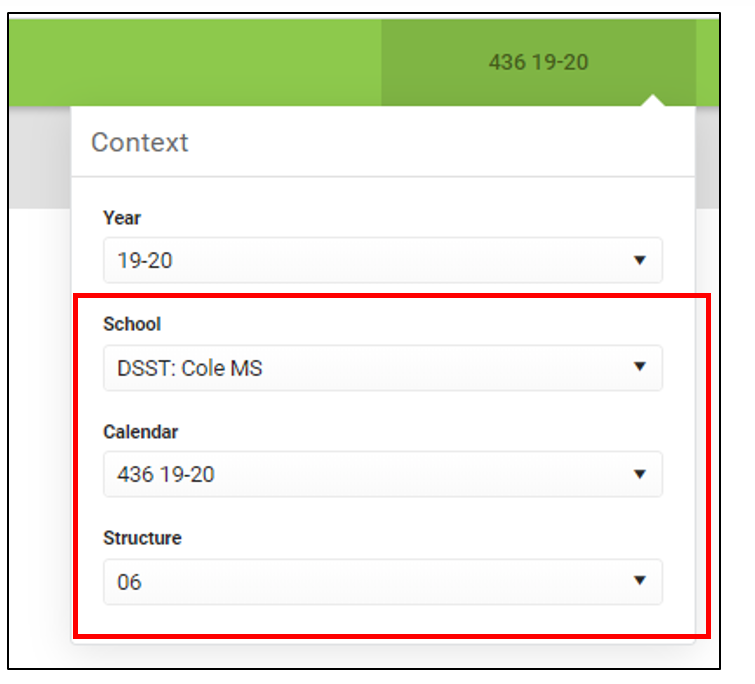
2. Check the Year, School, Calendar, and Structure to make sure it is correct for the roster you are looking for.
Note: You may have to change the Structure (6th, 7th, and 8th grade for MS or Prep Academy and Senior Academy for HS) to view rosters if teaching multiple grades.
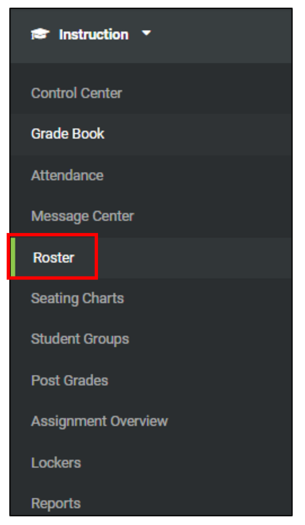
3. Click on the “Roster” tab on the left.
4. Select the Term and Section by clicking on the drop-down menu.
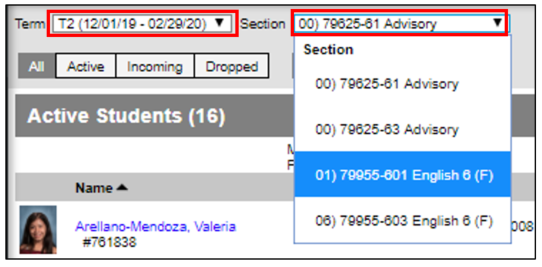
5. After you click on the section, a list of your student roster will appear.
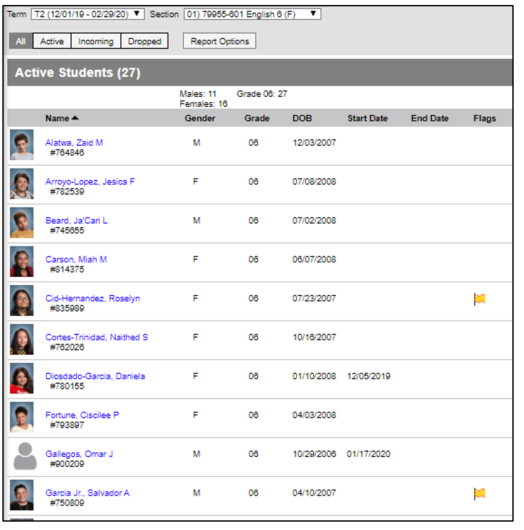
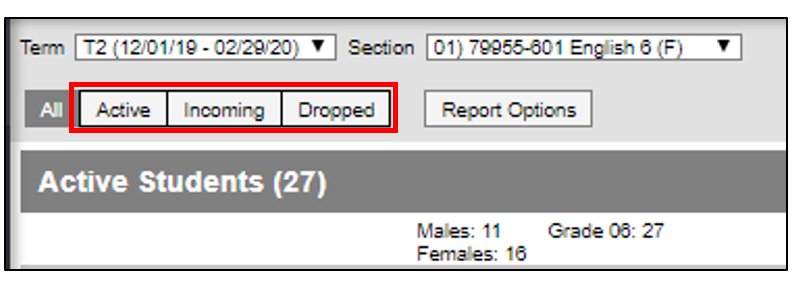
6. You can also further filter down to All Students, Active Students, Incoming Students, or Dropped Students.
Comments
0 comments
Please sign in to leave a comment.