
Context
This guide documents best practices when testing your Qualtrics survey. This guide is not meant to be prescriptive, it is meant to provide you with guidance as you test your surveys.
Best Practices
1. Create your survey. Use these Help Center articles to support you in your survey creation.
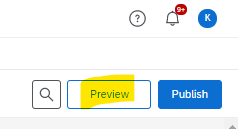
2. Preview your survey. This is the easiest way to see if your survey is flowing the way you expect it. As you are creating your survey, you can always click the "Preview" button in the upper right corner to see how your survey is working. For more information on testing through the Preview link, read this article.
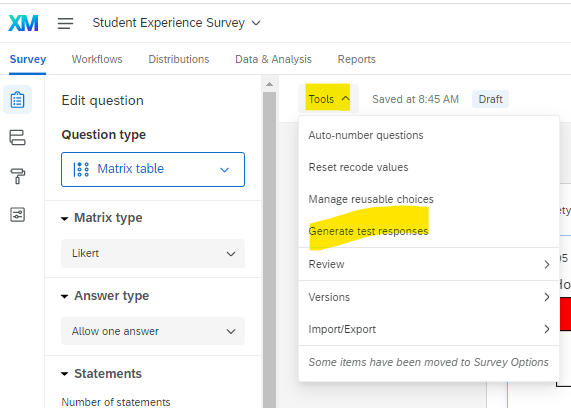
3. Generate test responses. Use this option to see how your dataset or reports will look before sending out your survey, but don't want to complete the survey yourself over and over, you can generate random dummy data. Read this article for more information.
4. Testing with anonymous link. Go to your Distributions tab and and select the Get a single reusable link option. For more information on testing through the Anonymous link, read this article.
5. Testing with individual links. If you need to test that your survey is retrieving information from a contact lists, you can add yourself as a contact and email an individual link to yourself. Be sure to include all the same information for yourself as your other contacts have.
6. Delete your test responses. To remove test responses. Navigate to the "Data & Analysis" tab. Click "Tools" >> "Delete Data" >> Survey Tests

Comments
0 comments
Please sign in to leave a comment.