
Overview
Schoology is a Learning Management System used by DPS. Special Service Providers will use Schoology to access a variety of online and asynchronous training. These trainings are required in order to gain access to various systems and specific credentials. Follow the steps and supports below to learn how to log in to Schoology.
Step One
Open your browser and go to https://schoology.dpsk12.org.
Step Two
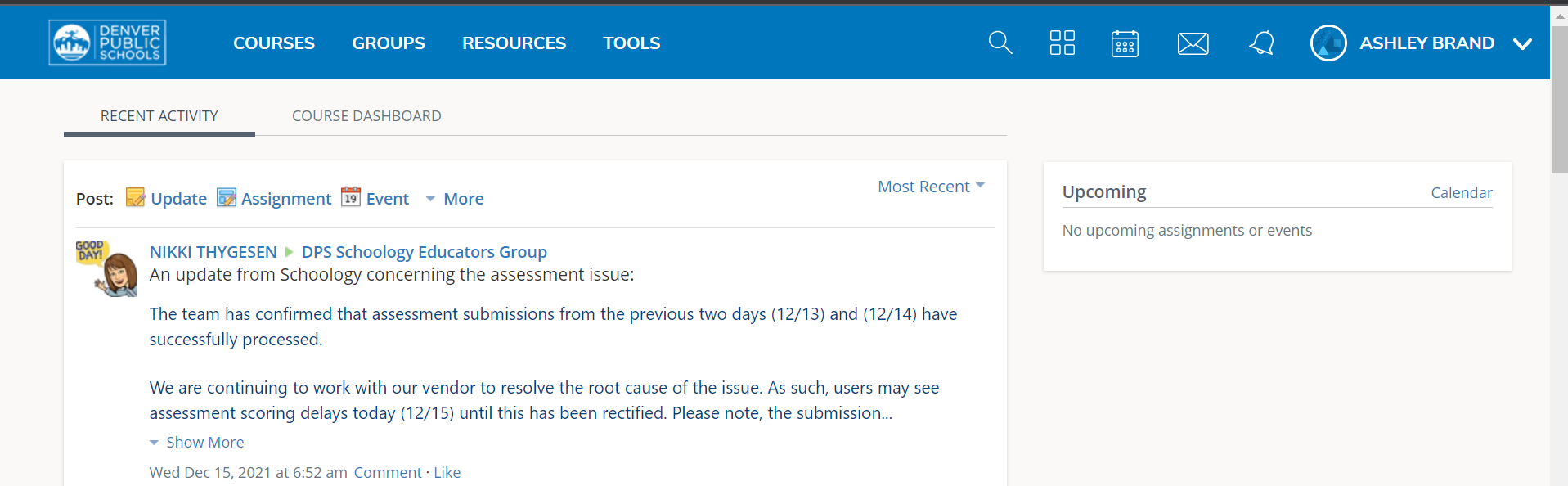
There are two possible pathways for logging in to Schoology. Typically you should be able to login using your DPS Gmail address (remember this is different from your DSST email). DPS Gmail conventions typically follow firstname_lastname@dspk12.net. You should then be redirected to the Schoology home page.
Important Note:
There may be times when the blue DPS Window (see image below) will appear asking you to log in first. This usually happens when you have not logged into DPS' systems for some time or your Duo Verification has timed out.
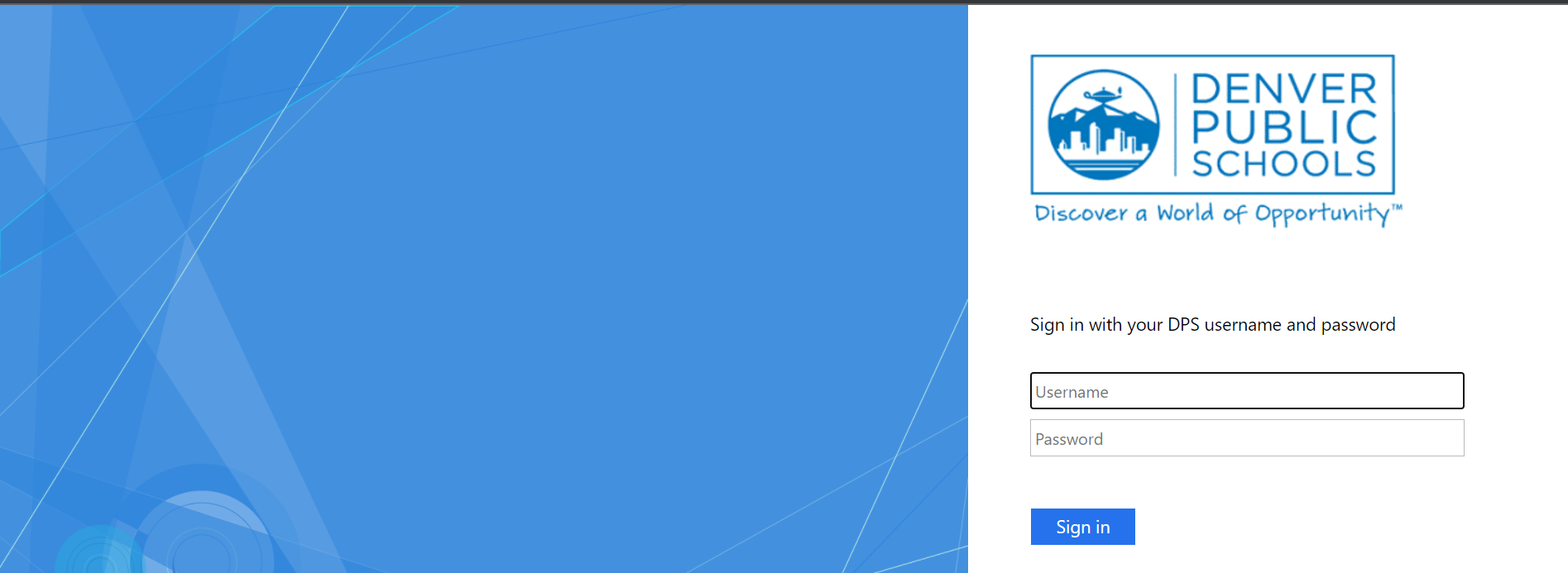
In this case, you will need to enter your DPS username firstname_lastname and your password. You will then be redirected to the Schoology homepage.
Comments
0 comments
Please sign in to leave a comment.