
You can mute the Channel's notifications so you don't get notified each time someone sends a message.
1. Go to the "Chat" tab in Teams.
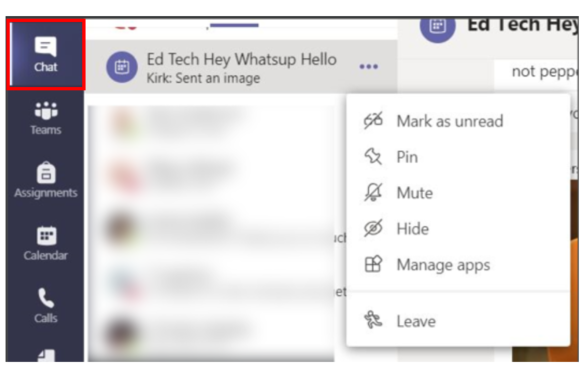
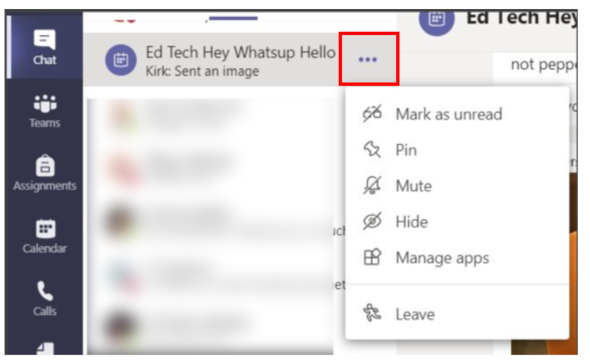
2. Find the Meeting Chat or Group Chat that you would like to mute. Click on the 3 dots on the right.
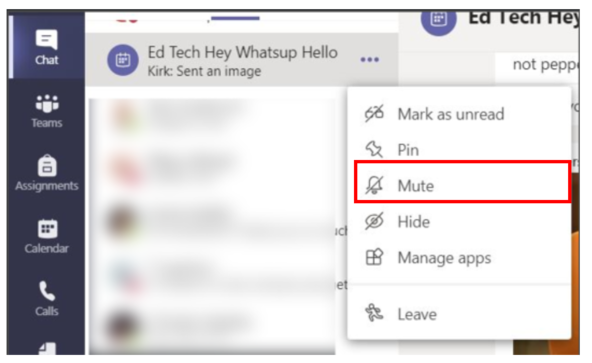
3. Choose "Mute" to mute further notification.
Comments
0 comments
Please sign in to leave a comment.