
Context
Qualtrics is a platform that allows you to create and send surveys. DSST uses Qualtrics for network surveys such as the Mid and End of Year Survey, and the Network Pulse Survey. Any survey that will require a Polaris dashboard to display survey responses, will be required to be sent using Qualtrics. If you do not need a dashboard, you can still use Qualtrics (or Google Forms) to send your survey. In this article you will find information on how to distribute your survey.
Please note: If you want your survey data to be reported in a Polaris Dashboard, please complete this form prior to following the steps below.
Steps
Distribute a Survey
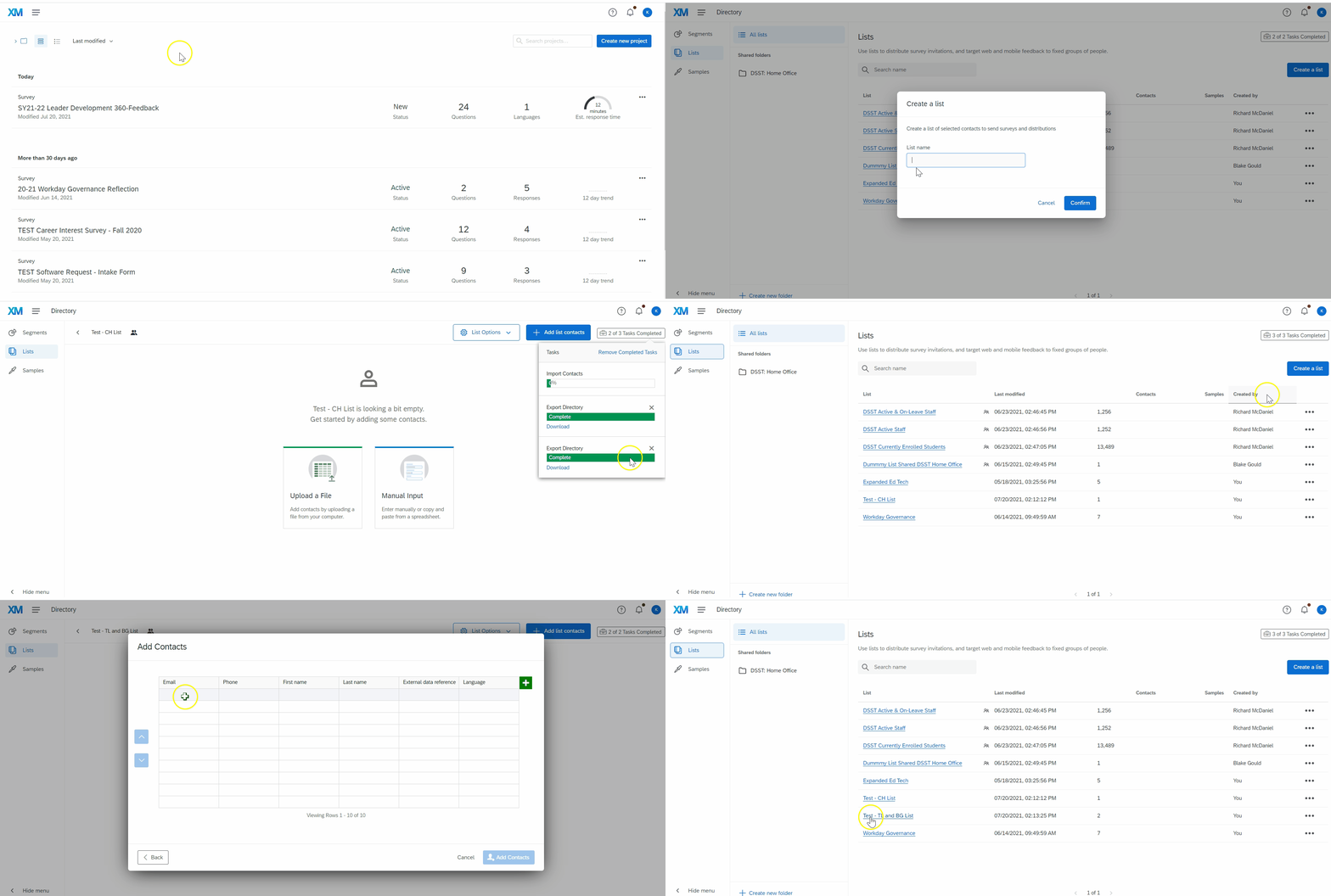
The best way to track a response rate for your survey is to distribute your survey via Email to a Contact List. If you need to create a NEW contact list, follow the steps in this linked article. If you have already created a Contact list, you can distribute your survey to the existing contact list.
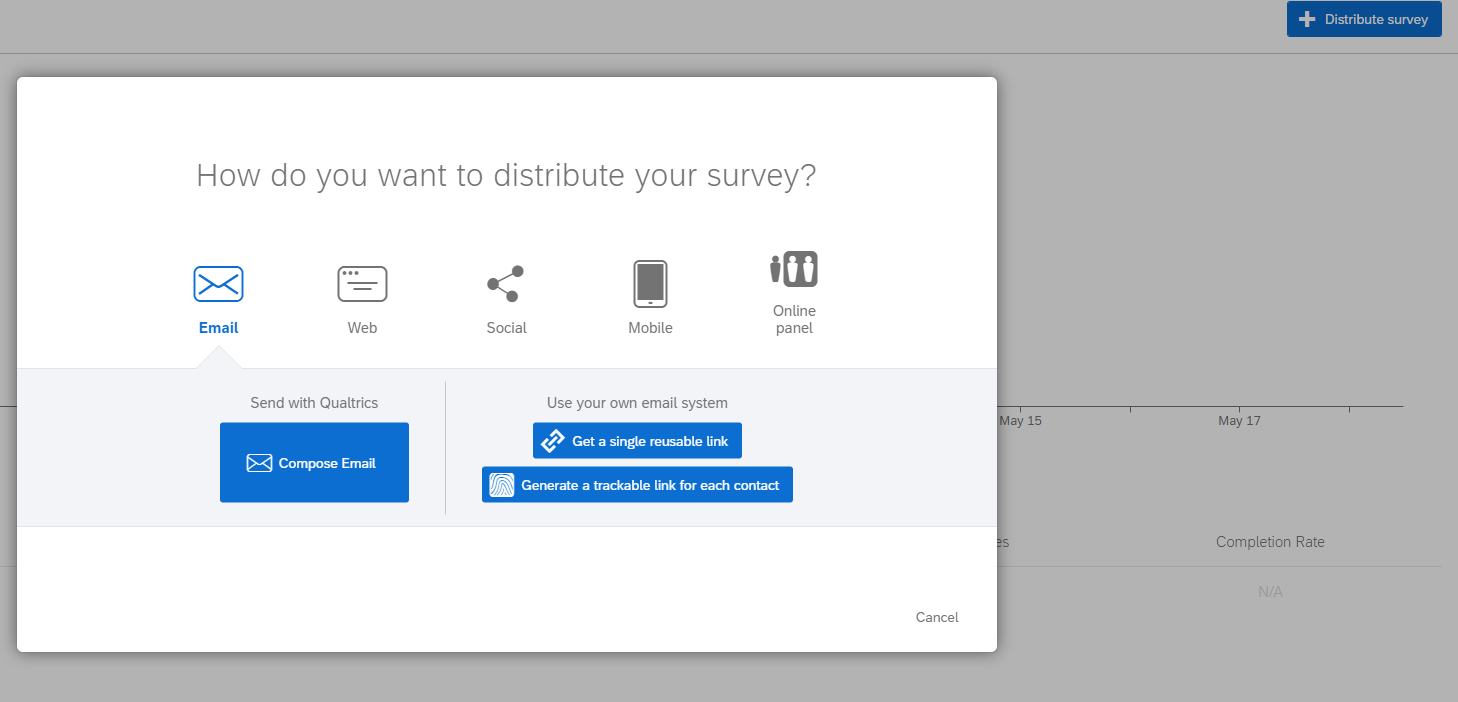
This linked article provides you with steps to distribute your survey. Again, to support you in understanding your response rate, it is recommended that you send your survey to a Contact List by using one of these two tasks
1. "Compose Email" OR
2. "Generate a trackable link for each contact"
Ready to learn more about distributing your survey or tracking your survey responses? Read the articles below!
- How to distribute a survey by email OR personal link
- How to track survey responses
Comments
0 comments
Please sign in to leave a comment.