
You can assign an assessment to individual students. Assigning assessment to individual students is a great way to differentiate assessments or provide accommodations to assessments.
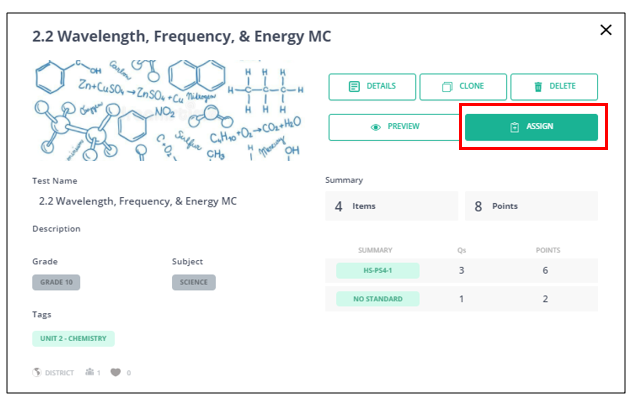
1. When you find an assessment in the test library, click "Assign".
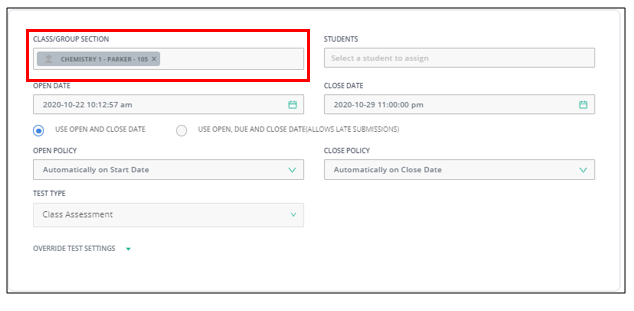
2. Choose the class by either typing the course name and section or choosing from the list of courses and sections.
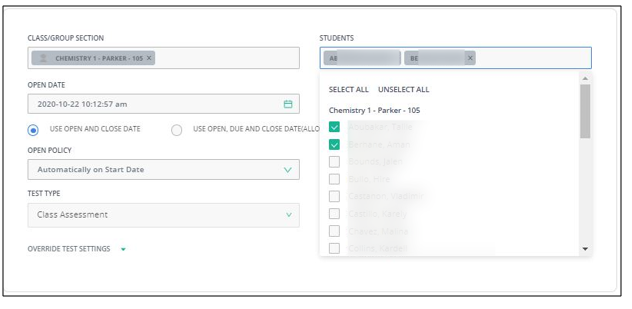
3. In the "Students" section, choose the individual students by clicking on the box next to their names.
4. Set your Test Settings based upon your preferences.
5. Click "Assign" at the top right corner:

Comments
0 comments
Please sign in to leave a comment.