
Add to Shortcuts
- Step 1: Click on the 4 square Shortcuts icon in the top right of your page
- Step 2: Click on ‘Edit’ next to My Shortcuts

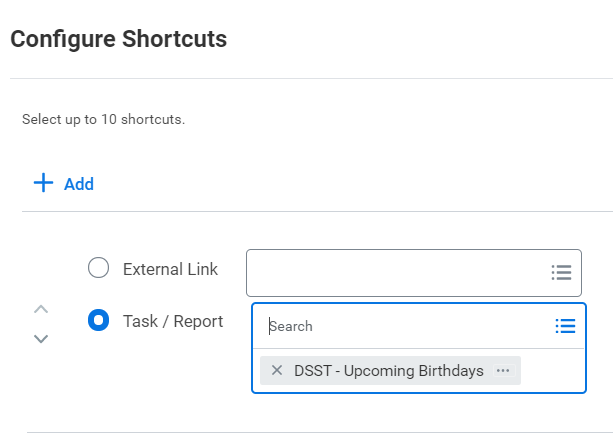
- Step 3: Click on “+Add” and search for the task or report you would like to add in the box next to task/report. You can add up to 10 shortcuts
- Step 4: To access your shortcuts when you are in workday click on the four square shortcuts icon at the top right of your page

Add to Favorites
- Step 1: Navigate to the Favorites Application on your homepage

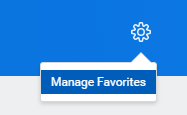
- Step 2: Select Manage Favorites from the cog icon in the upper right hand portion of your screen (you may also have a gray button at the bottom of your screen that says Manage Favorites, either way, click on Manage Favorites)
- Step 3: Select the tasks and reports that you would like to have quick access to.
- Step 4: Hit Ok and Done. You will be taken back to your Favorite Application to view what you saved!
Comments
0 comments
Please sign in to leave a comment.