
Purpose: Workday Teams chat is the Workday assistant bot in the form of a teams chat. This guide shows you how to request time off via Workday assistant in Microsoft Teams.
- Start a chat with Workday in Teams to bring up common actions and select "Take time off"
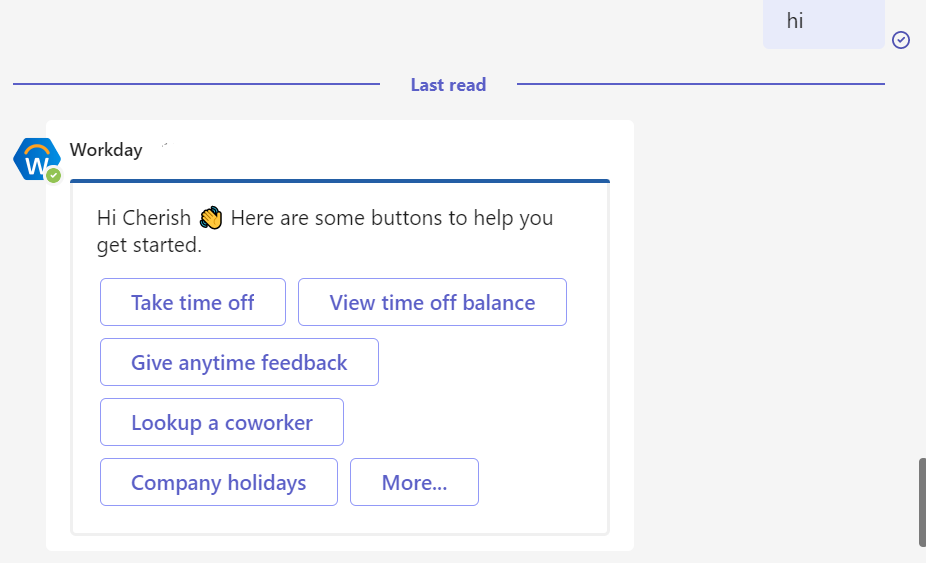
- Or type that you would like to take PTO
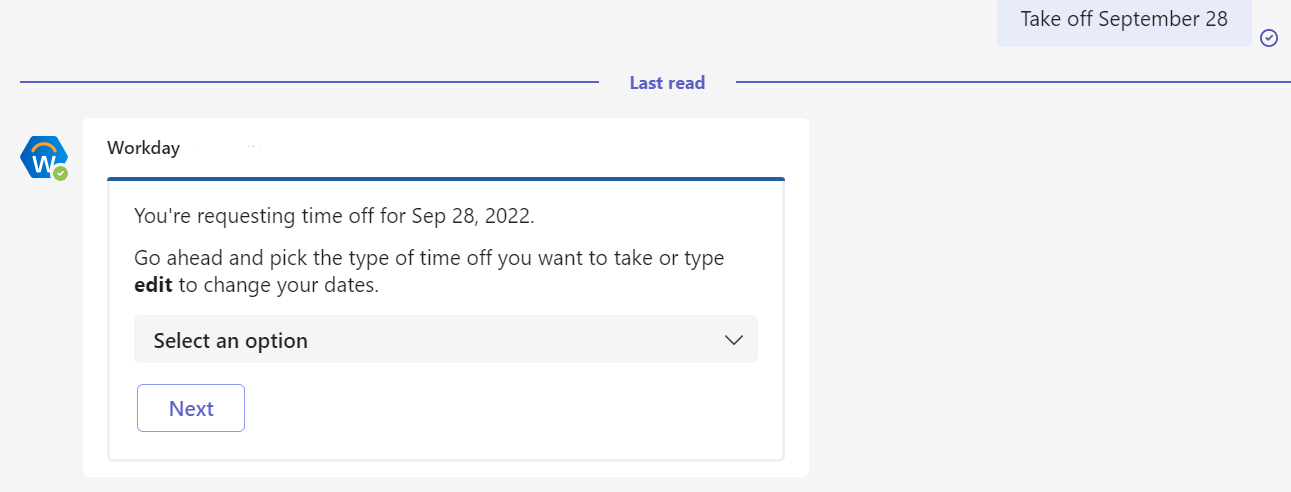
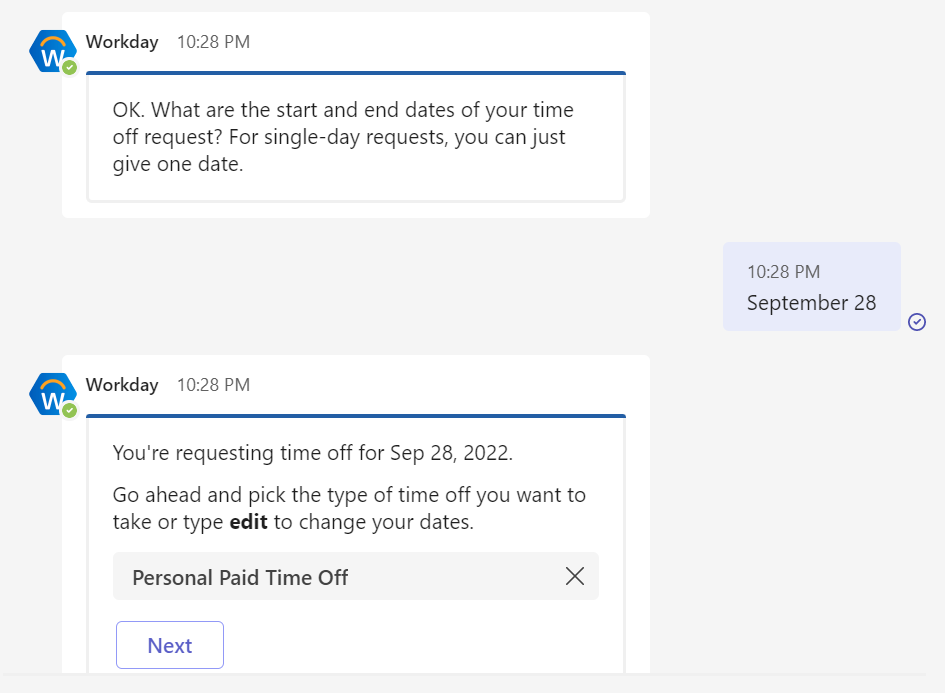
- Give the date(s) of your request and select the time off type from the dropdown
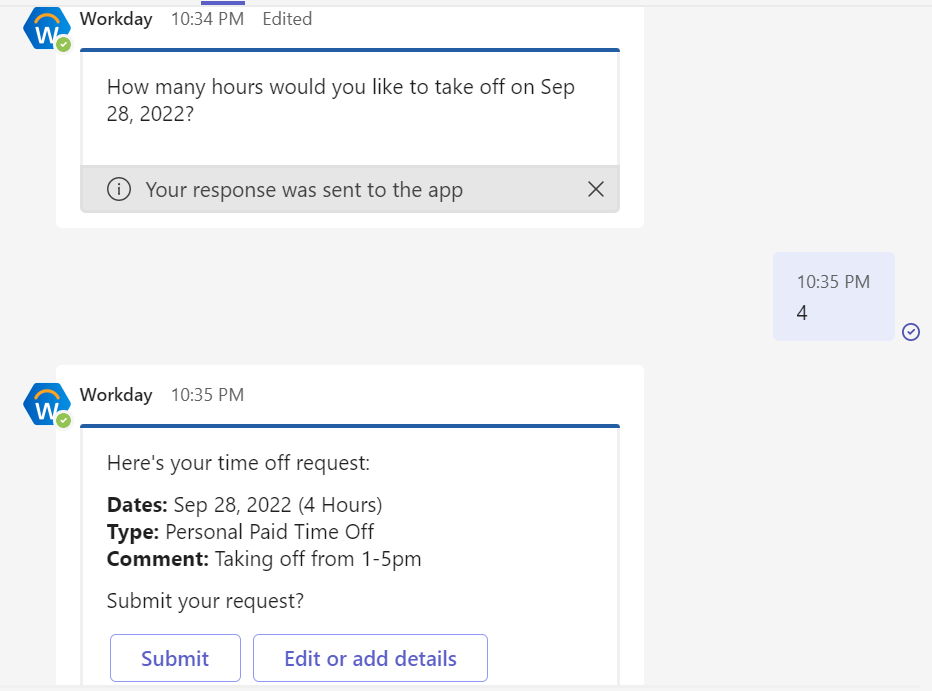
- Select “Edit or add details” and choose from the available options to change the hours, date, time off type, or add a comment
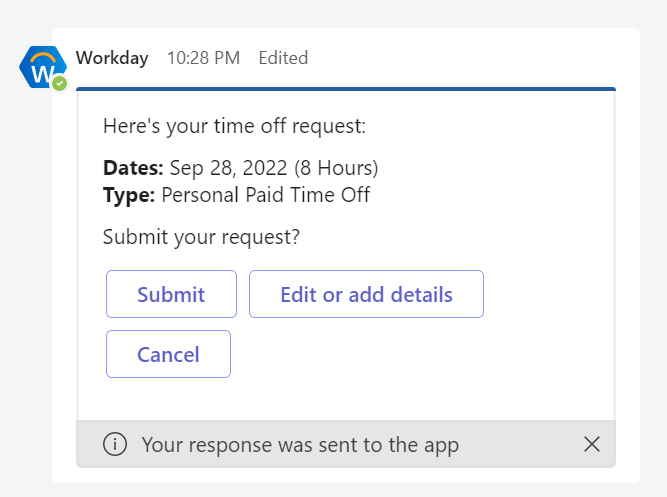
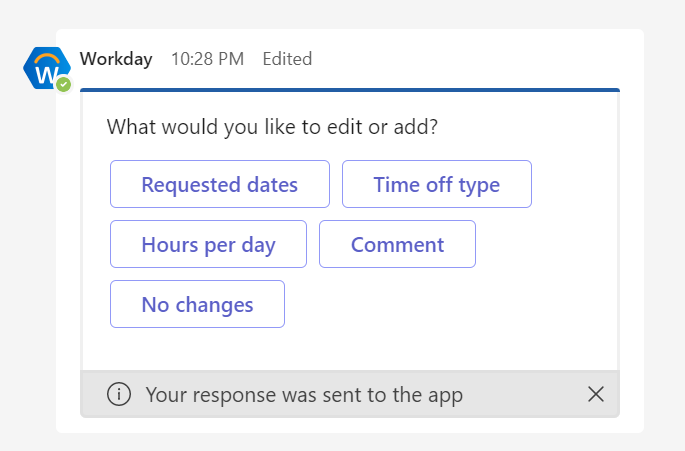
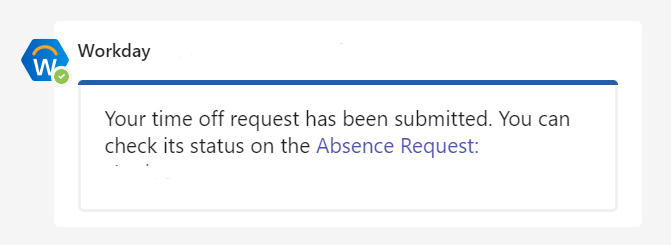
- Add any additional details and click “Submit” to send the request for approval
If you experience any issues or need support emailhelpdesk@scienceandtech.org
Comments
0 comments
Please sign in to leave a comment.